ShopEmpire Review 2026
Can It Really Simplify Faceless Affiliate Videos?
Creating affiliate product videos looks easy until you actually try to keep the process going every day.
Finding something worth promoting is one job. Getting the affiliate link is another. Then you need product images, a video concept, editing, music, captions, the right format for each social platform, and finally a publishing schedule. If you do all of that manually, a simple faceless affiliate strategy can quickly turn into a repetitive production routine.
That is why I wanted to test ShopEmpire from the beginning of the workflow rather than judging it as another AI video generator.
In this ShopEmpire Review, I used the platform to find a product, turn it into a campaign, add an affiliate link, build the video through its AI Studio Assistant, render the finished content, and take it through the social publishing workflow. The part that caught my attention wasn’t simply that ShopEmpire could animate a product image. Plenty of tools can do that.
What interested me was whether it could keep the whole process connected.
Could I go from finding a product to having a finished promotional video ready for social media without bouncing between several separate tools?
After going through the workflow, I think that is where ShopEmpire makes the strongest case for itself. It removes quite a bit of production work. However, it doesn’t remove the decisions that actually matter: choosing the right product, checking the creative, using the correct affiliate link, writing a decent caption, and deciding what deserves to be published.
Overview Of ShopEmpire
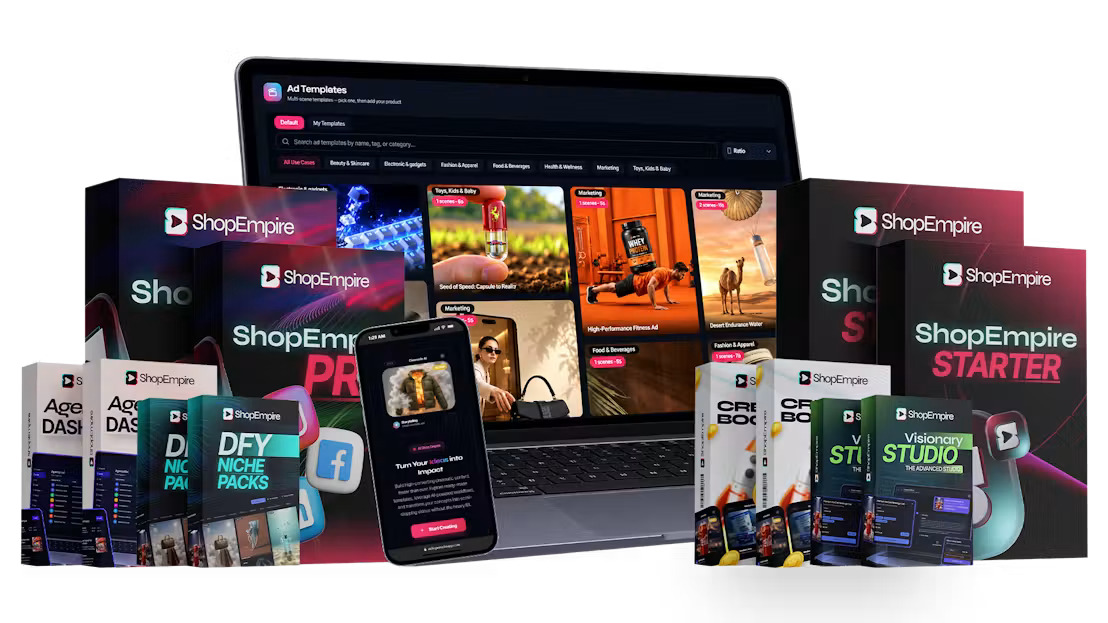
| Product Name | ShopEmpire |
| Creators | Neil Napier & Kamal Jalwania |
| Product Type | AI faceless product video and affiliate marketing platform |
| Launch Date | October 2, 2026 |
| Front-End Price | $37 |
| Payment | One-time |
| Video Credits | 10,000 |
| Product Sources | TikTok Shop, Amazon, eBay |
| Publishing Platforms | TikTok, YouTube, Facebook, Instagram, Pinterest |
| Commercial License | Included |
| Refund Policy | 14-Day Risk-Free Guarantee |
| Best For | Affiliate marketers, faceless creators, ecommerce marketers, freelancers, agencies |

ShopEmpire connects three jobs that normally happen separately: finding products, creating promotional videos, and publishing those videos.
The front-end gives you 10,000 video credits. Product discovery covers TikTok Shop, Amazon, and eBay, while campaigns can hold up to 20 products with individual affiliate links. It also includes templates, AI-assisted scene creation, social publishing, scheduling, media storage, training, and commercial rights.
There is no stated monthly platform fee. Video generation works on credits, so the credit balance is the main usage ceiling.
What Is ShopEmpire?
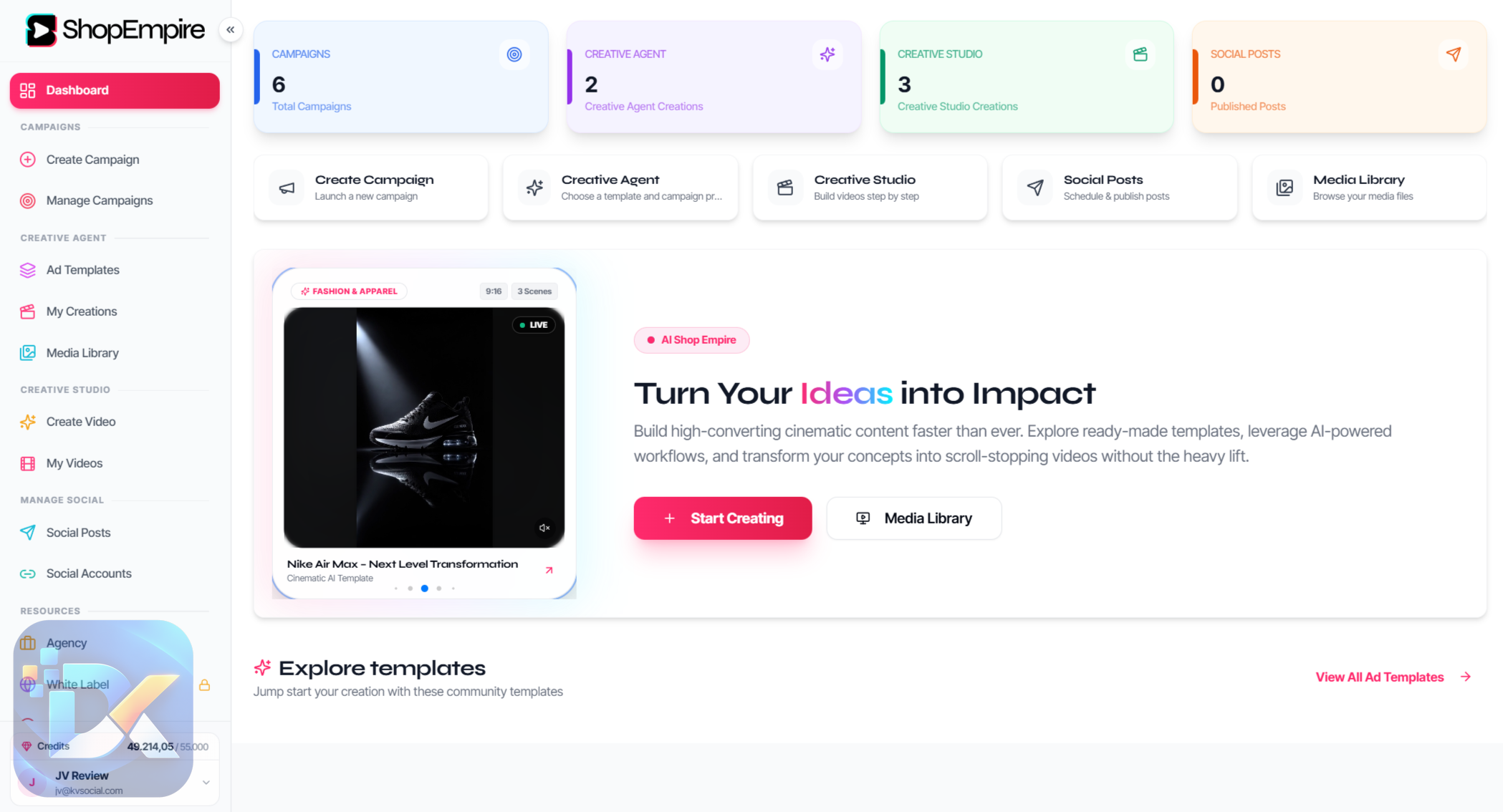
ShopEmpire is a cloud-based AI product video platform built around faceless affiliate and ecommerce marketing.
Instead of starting with a blank video editor, you can begin inside ShopEmpire by searching for products on TikTok Shop, Amazon, or eBay.
You choose a niche and target market. ShopEmpire returns relevant products with pricing information. Pick a product, place it inside a campaign, add your affiliate link, and then move directly into video creation.
This is an important distinction.
ShopEmpire isn’t simply:
image → AI video
The intended workflow is closer to:
marketplace → product → campaign → affiliate link → template → storyboard → video → social post
That makes it more interesting to me than a standalone image-to-video generator.
You can also start from scratch and create videos for your own products. In that workflow, ShopEmpire lets you add a product description, script and images, choose language and aspect ratio, generate a script, open the editor, add slides, and render the finished video.
So while affiliate marketing is the obvious use case, it isn’t the only one.
Who’s Behind ShopEmpire?

ShopEmpire comes from Neil Napier and Kamal Jalwania.
Neil Napier has been involved with a number of software and digital marketing launches, including Agentic Agency, 1-Hour AI Traffic Machine, Aidvantage, Multicasting Commissions, and Black Friday Academy.
ShopEmpire follows a familiar theme from that background: take a marketing process with several moving parts and put more of it into one software workflow.
I never consider the creator’s track record enough reason to buy software by itself, though.
The better question is what happens after you log in.
And in ShopEmpire’s case, there is quite a bit happening between product discovery and the finished post.
The Features Of ShopEmpire
Find Products Without Leaving The Campaign Workflow
I started with product discovery because that is where ShopEmpire separates itself from a normal AI video tool.
You can search products from TikTok Shop, Amazon, or eBay, choose a niche, and select a target region.
There are ten built-in niches, although you can enter your own, and the system covers sixteen target countries. Search results include pricing and current discounts.
In my workflow, I used Amazon and went into the fashion/apparel category.
ShopEmpire returned multiple products that could be added to the campaign. From there, I could open the campaign overview, see the selected products and prices, and decide which one I wanted to promote.
This sounds like a small feature until you compare it with the normal process.
Without it, I would be researching in one browser tab, storing URLs somewhere else, downloading or organizing images, and then moving into another video application.
Here, the product becomes part of the campaign immediately.
I still wouldn’t blindly promote something because ShopEmpire surfaces it. Discovery is not validation. I would check the product, offer, commission, audience fit, and marketplace details before building a serious campaign around it.
But as a starting point, the workflow is much cleaner.
Keep Products And Affiliate Links Inside Campaigns
After selecting the product, I could add the affiliate link directly to it.
That means the product and monetization path stay connected instead of forcing me to keep affiliate URLs in a spreadsheet or another document.
A campaign can contain up to 20 products, with a separate affiliate link attached to each one.
You can also run separate campaigns for different niches.
For one video, this may not seem important.
Once you have multiple products across different niches, it becomes much more useful.
I would rather open a fashion campaign and see everything associated with it than try to remember which affiliate URL belongs to which video three weeks later.
Choose Templates Around The Product
After saving my campaign, I moved into Create AI Video.
ShopEmpire then presented different templates organized around product categories such as fashion and apparel, beauty and skincare, electronics and gadgets, food and beverages, health and wellness, toys and kids, and general marketing.
I could preview a template before selecting it.
Once I chose the template, I selected the campaign and the specific product I wanted to promote.
This is where ShopEmpire begins doing the creative setup rather than leaving you with an empty timeline.
The library includes multi-scene templates in seven aspect ratios, including 9:16 vertical, 1:1 square, and 16:9 landscape formats.
That gives you room to match the creative to the platform rather than trying to force the same layout everywhere.
Review The Storyboard Before Spending Credits
This was one of the features I liked more after seeing it in the actual workflow.
Once I selected the product and template, the AI Studio Assistant created a storyboard.
My example was set up as a 10-second video with two scenes. I could see the images assigned to those scenes before completing the generation.
ShopEmpire allows images to be replaced, scenes reordered, and scene duration changed. You can also decide whether a scene keeps the template background or the original photograph.
More importantly, ShopEmpire doesn’t charge generation credits until you approve the plan.
I like that.
Credits are the main finite resource in the front-end, so I don’t want to waste them simply because an image was assigned badly.
This is also the point where I would recommend slowing down.
Look at the product image.
Look at the first scene.
Ask yourself whether someone scrolling quickly would immediately understand what is being promoted.
The AI can assemble the creative. You still need to decide whether the creative makes sense.
Turn The Product Image Into Multi-Scene Video
After approving the setup, ShopEmpire generated the individual video scenes around the product.
In the workflow I reviewed, each scene was customized around the selected fashion product and then prepared to be stitched together into the final video.
The front-end supports up to 10 scenes and 30 seconds, with individual duration control for each scene.
This is where the product becomes more than a static listing image.
Instead of filming the item myself, ShopEmpire handles the presentation around the seller’s product image—scene, movement, positioning, lighting, and camera-style presentation.
The actual product remains the product being promoted rather than being replaced by an unrelated stock item.
That matters for affiliate content.
If I’m linking to a particular product, I want the viewer looking at that product, not something vaguely similar generated by AI.
Add Music Before The Final Render
Once the scenes were ready, I could add background music.
ShopEmpire provides several tracks to preview, and there is also an option to import custom music.
Then I could confirm the project and let ShopEmpire render the complete video.
The finished asset is stored inside the platform and can be used as an MP4.
This part of the workflow felt logical to me because I wasn’t moving between a scene generator, music tool, editor, and export utility.
Everything stayed attached to the same project.
That is the kind of automation I actually value—not automation for its own sake, but fewer places where a simple job can become disorganized.
Product Video And Service Video Modes
ShopEmpire has two useful approaches to imagery.
Product Video places the product into designed promotional scenes. This is the mode that makes the most sense for affiliate campaigns.
Service Video keeps the user’s own photographs rather than rebuilding them into product-style scenes.
The second option expands ShopEmpire beyond affiliate marketing.
For example, a freelancer could take photographs from a salon, restaurant, gym, contractor, or other local company and build short social promotional content around them.
Since the front-end includes commercial rights, that becomes a legitimate client-service use case rather than just an extra feature sitting in the dashboard.
Publish To Five Social Platforms
Once my finished video was ready, I could move directly to Post To Social.
ShopEmpire supports:
- TikTok
- YouTube
From the publishing screen, I could select the connected accounts, change the title, write captions and descriptions, add tags, and publish the video.
This feature matters more to me than another collection of flashy AI effects.
Creating a video is only useful if the content actually gets published.
The manual version of this job means downloading the video, opening each social network, uploading it again, copying the caption, checking the link, and repeating the process.
ShopEmpire shortens that chain considerably.
However, I wouldn’t automatically use identical copy everywhere just because the software makes that possible.
TikTok, Pinterest, YouTube, Facebook, and Instagram don’t always reward the samestyle of caption or presentation. Automation should remove repetitive uploading, not stop you from thinking about the audience.
Schedule Content Instead Of Publishing One Video At A Time
ShopEmpire also includes an AI Auto Publisher.
I could choose multiple completed videos, place them onto a timeline, and queue them for different social channels.
For me, this is where the platform starts looking less like a video generator and more like a content-production system.
One video doesn’t need much scheduling.
Twenty videos do.
If you’re building several affiliate campaigns, batching content is much more practical than returning every day just to press Publish.
Create Videos From Scratch
I also like that the marketplace workflow isn’t mandatory.
ShopEmpire provides a Start From Scratch option for your own products or ideas.
You can enter the product and description, add a script and images, select a language, choose portrait or landscape orientation, set video duration, and use the script generator.
After saving the project, it opens in the video editor.
From there, additional images or slides can be added before rendering a video of up to 30 seconds.
This gives ShopEmpire a little more breathing room.
I wouldn’t want to buy a video platform that becomes useless the moment I stop promoting an Amazon product.
Store And Reuse Your Creative Assets
Uploaded images, generated scenes, and finished videos are stored inside Media Library, My Creations, and My Videos.
Template setups can also be saved and reused with other products.
This is one of those boring features that becomes useful after the first week.
Reusing a setup that already works is much faster than rebuilding the same creative structure every time.
For anyone planning to publish consistently, I would take asset organization over another novelty AI button.
Commercial Licence
The front-end includes a commercial license.
That means you can create product videos for clients and keep the revenue you charge for the work.
I see two distinct ways to use ShopEmpire because of this.
The first is the obvious affiliate model: promote products and earn commissions through the relevant marketplace affiliate program.
The second is a service model: use ShopEmpire as the production tool and charge businesses for creating promotional video content.
The second model doesn’t magically bring clients. You still have to find and close them.
But importantly, you don’t need the Agency Dashboard upgrade just to have permission to do commercial work. Commercial rights are already included in the front-end.
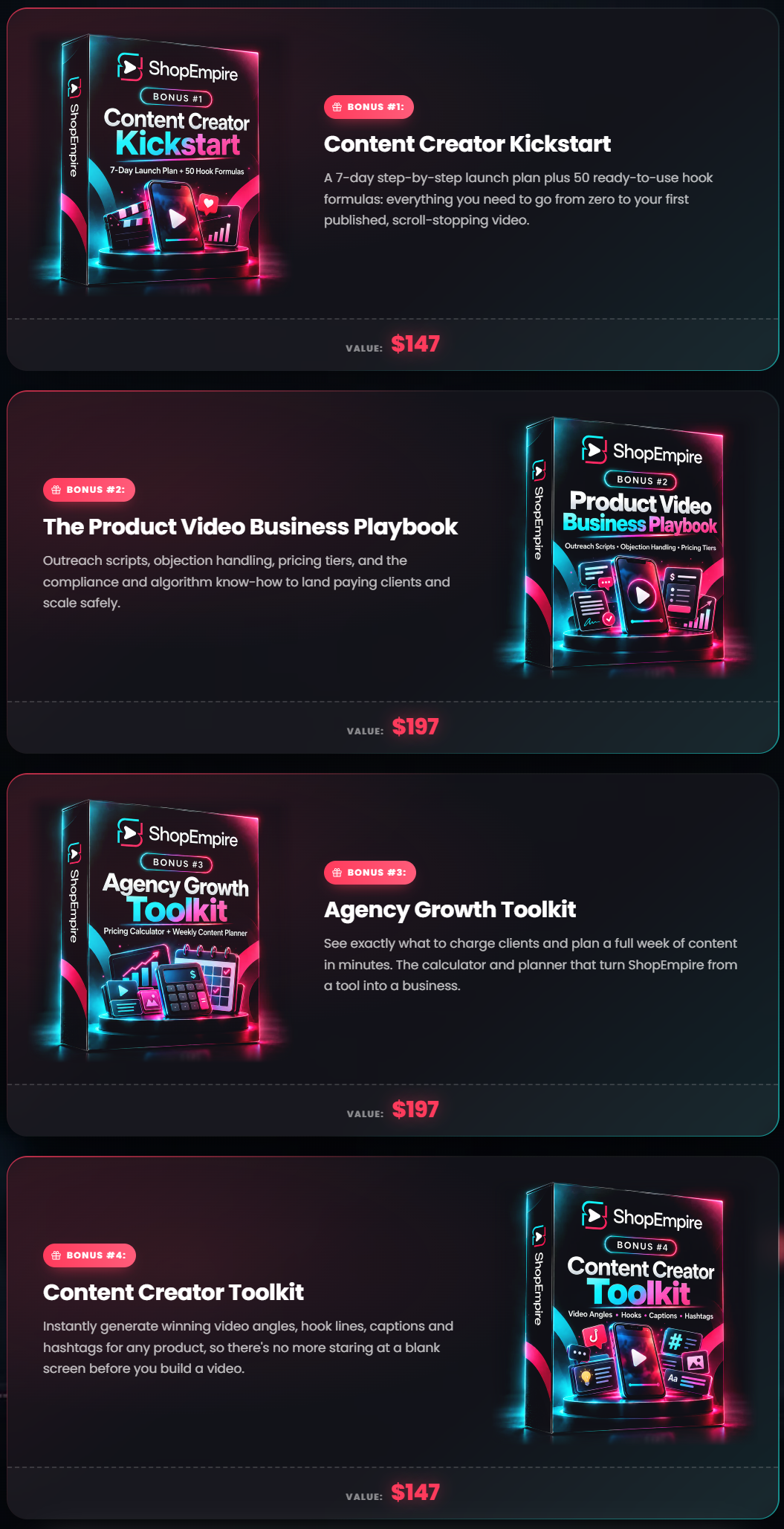
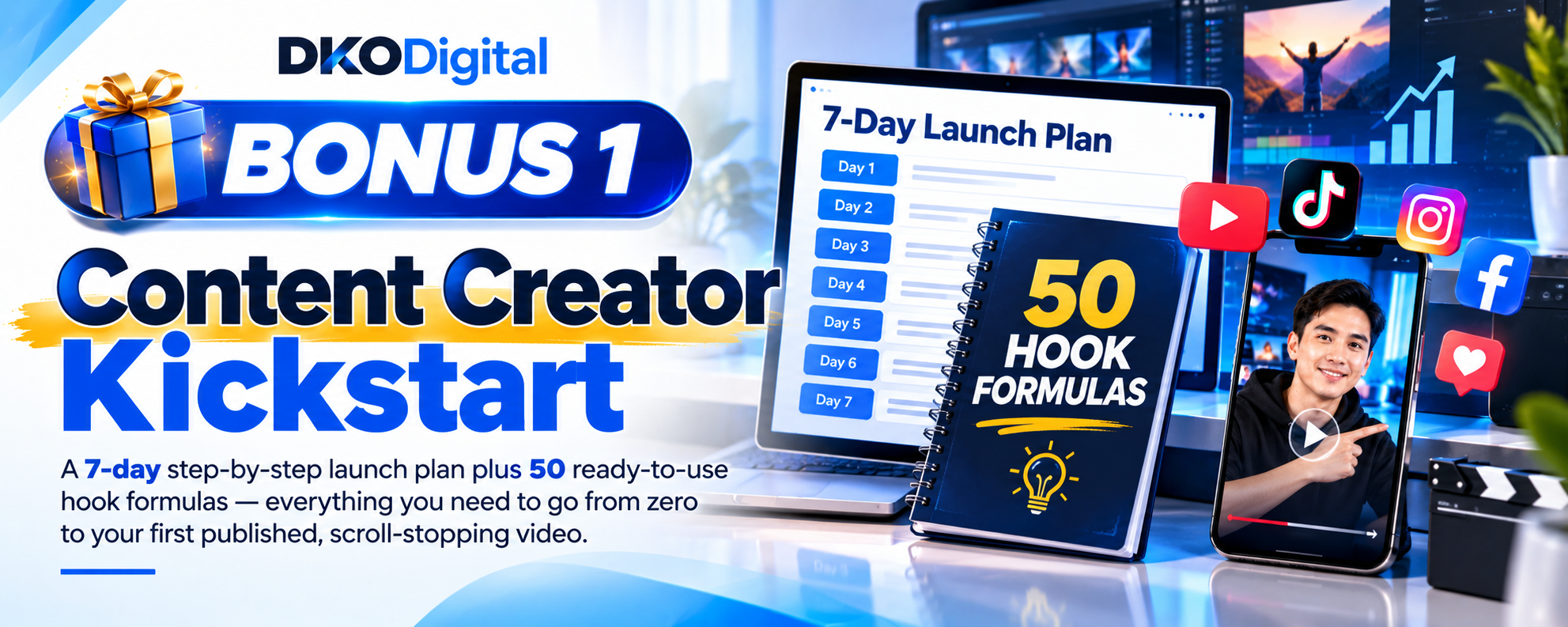
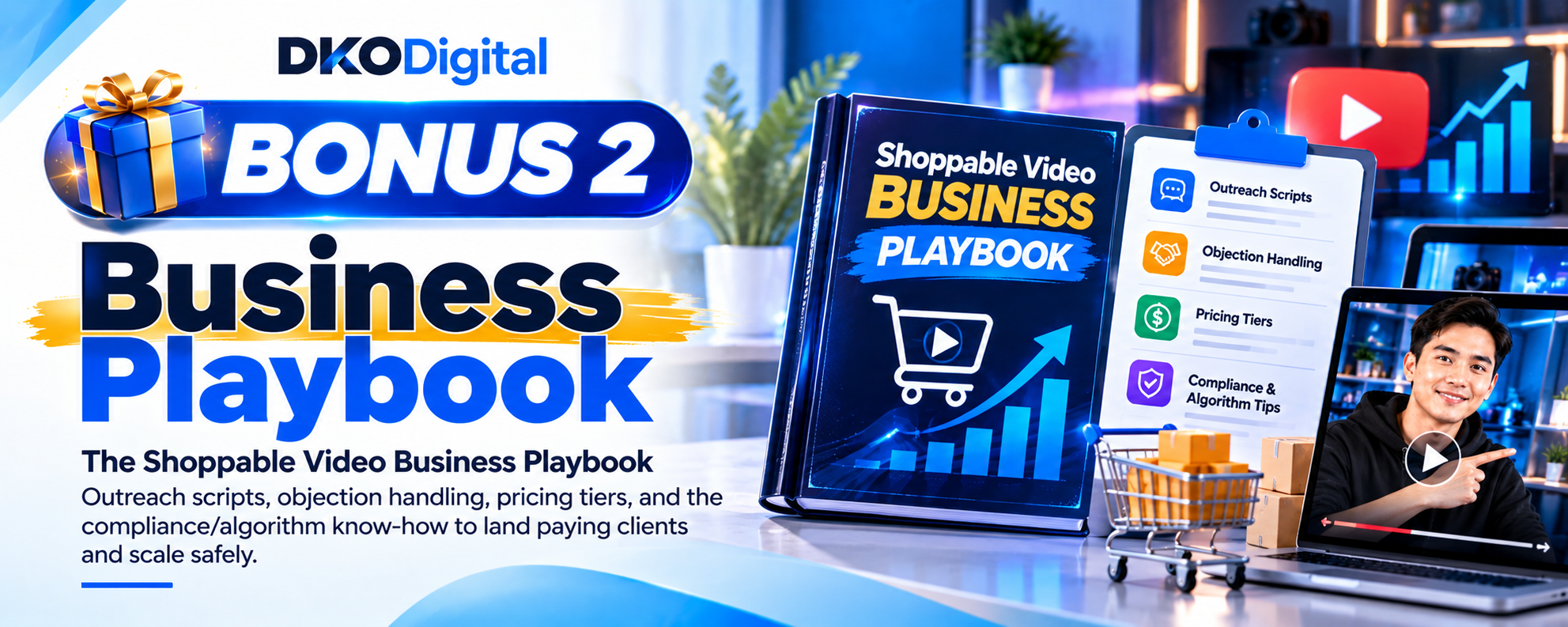
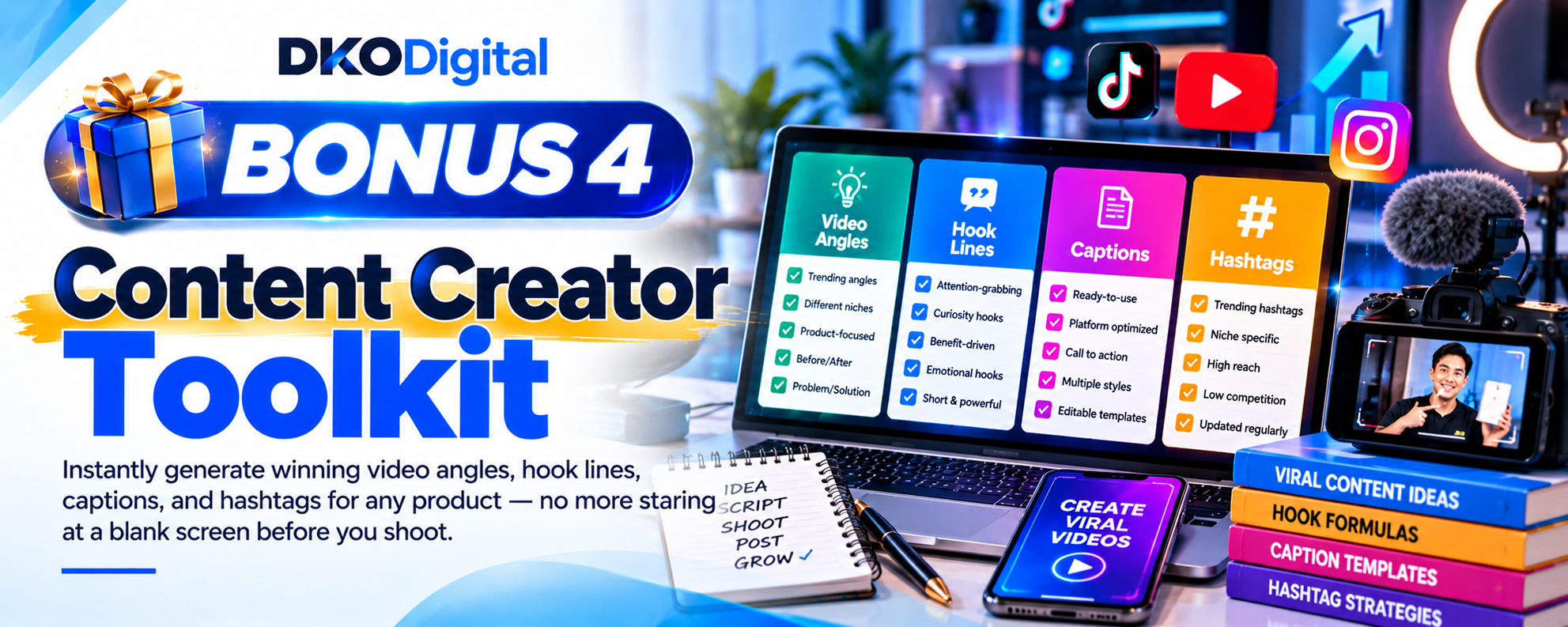
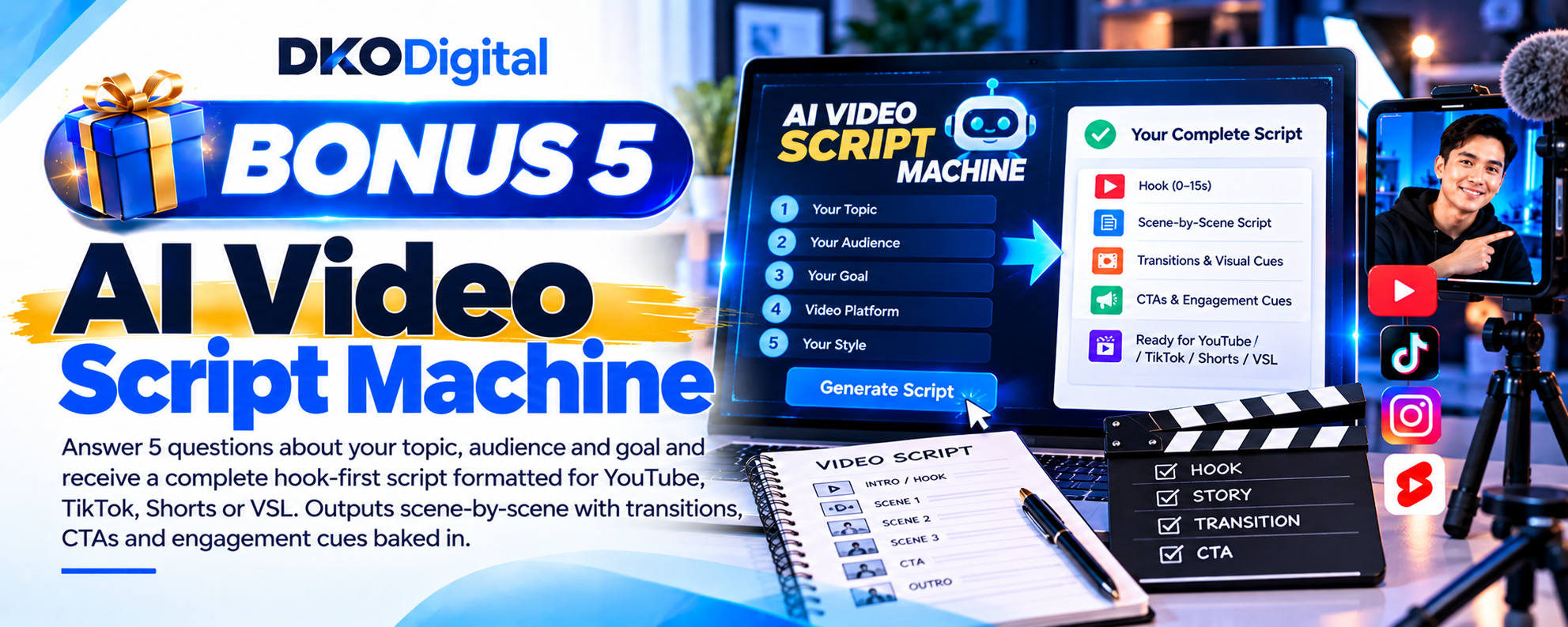
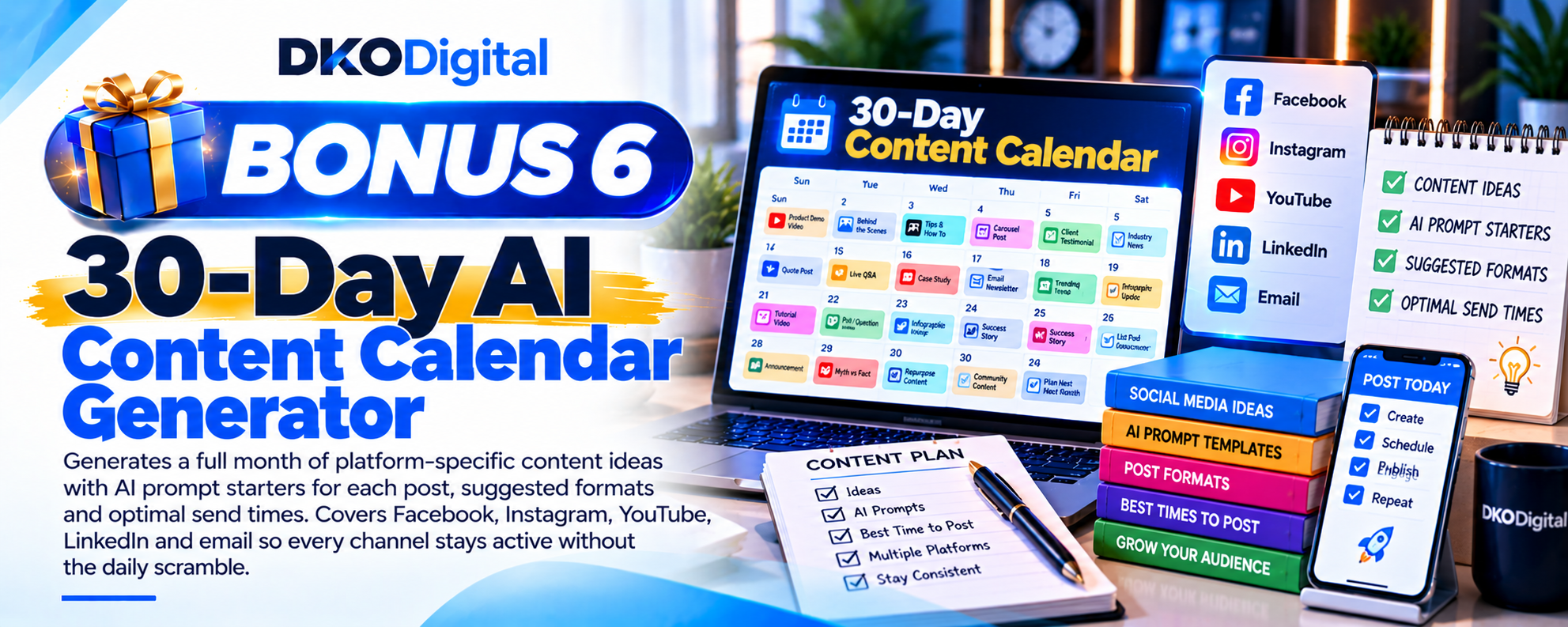
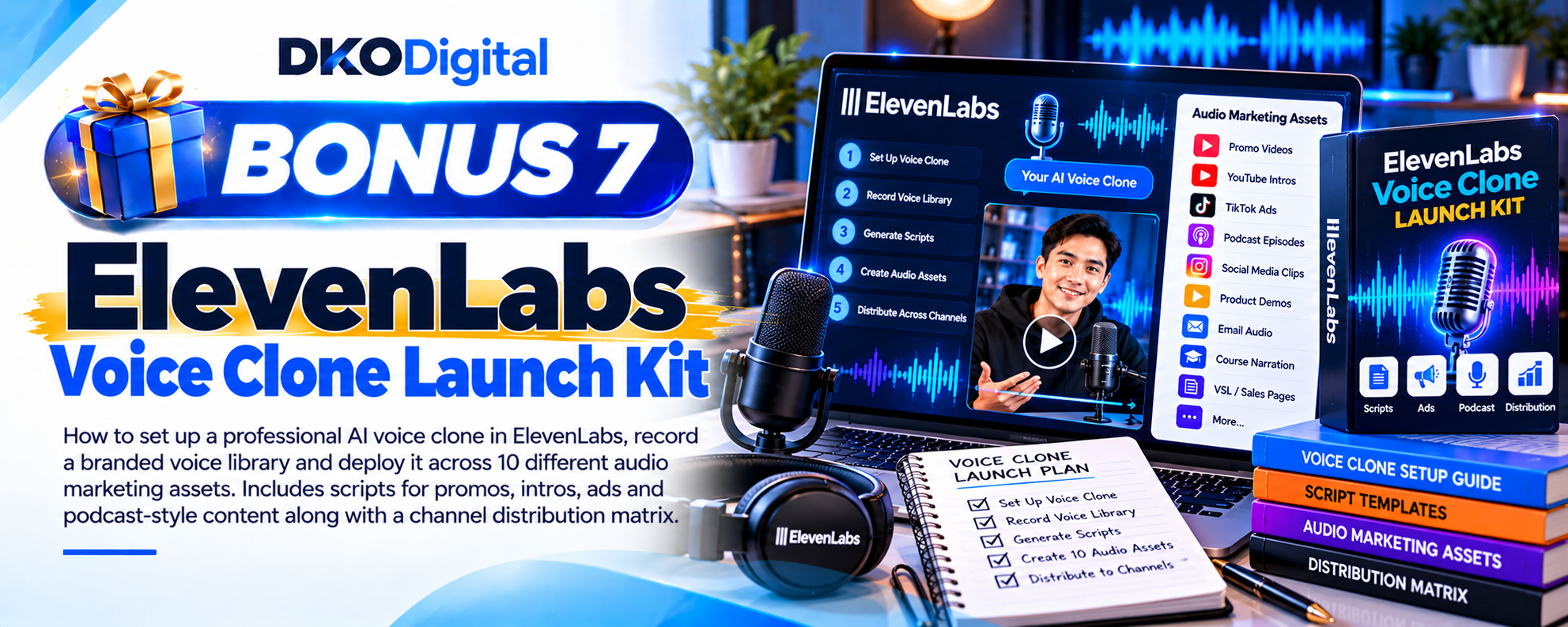
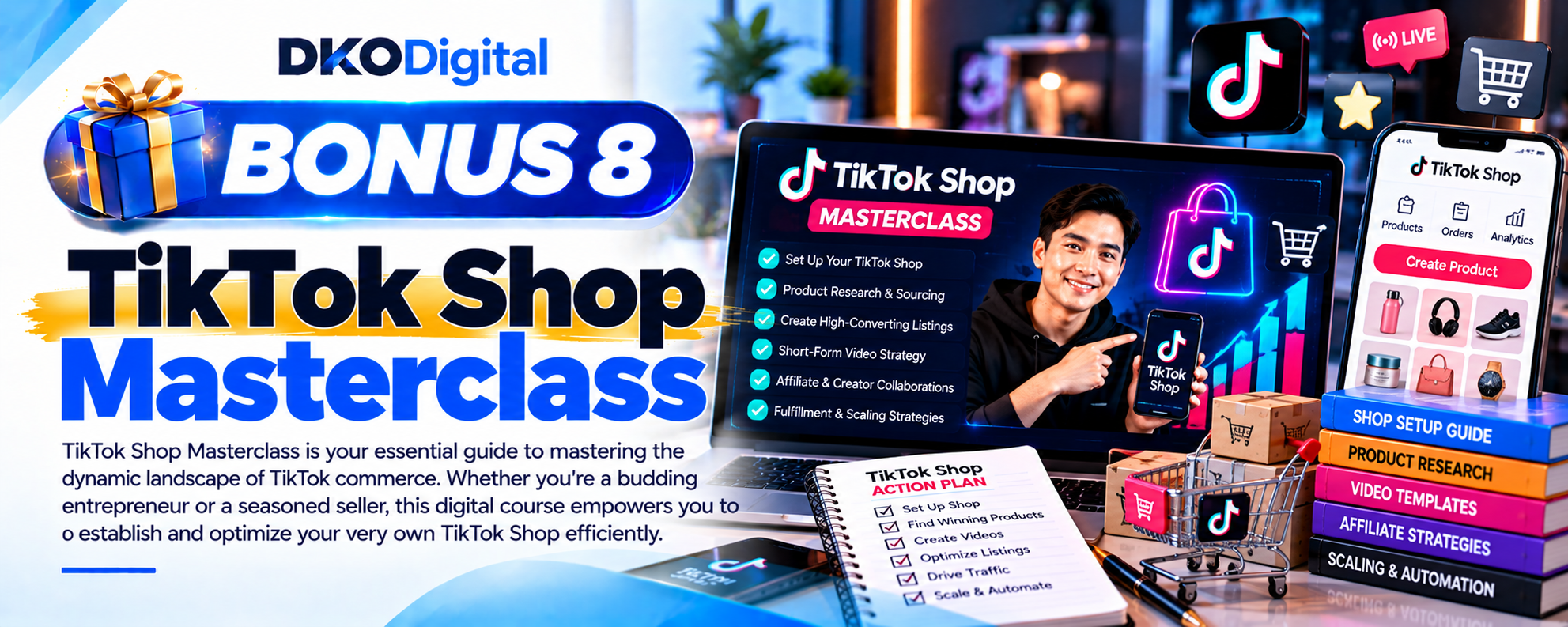
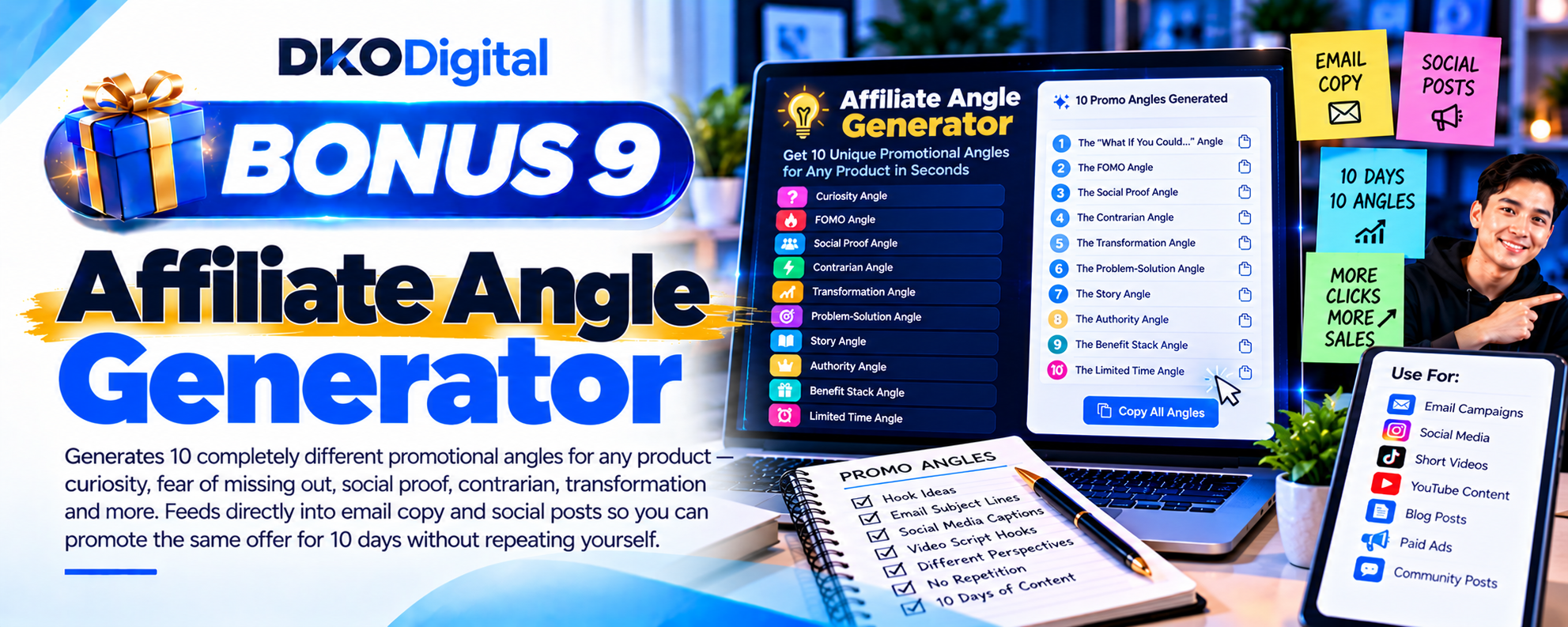
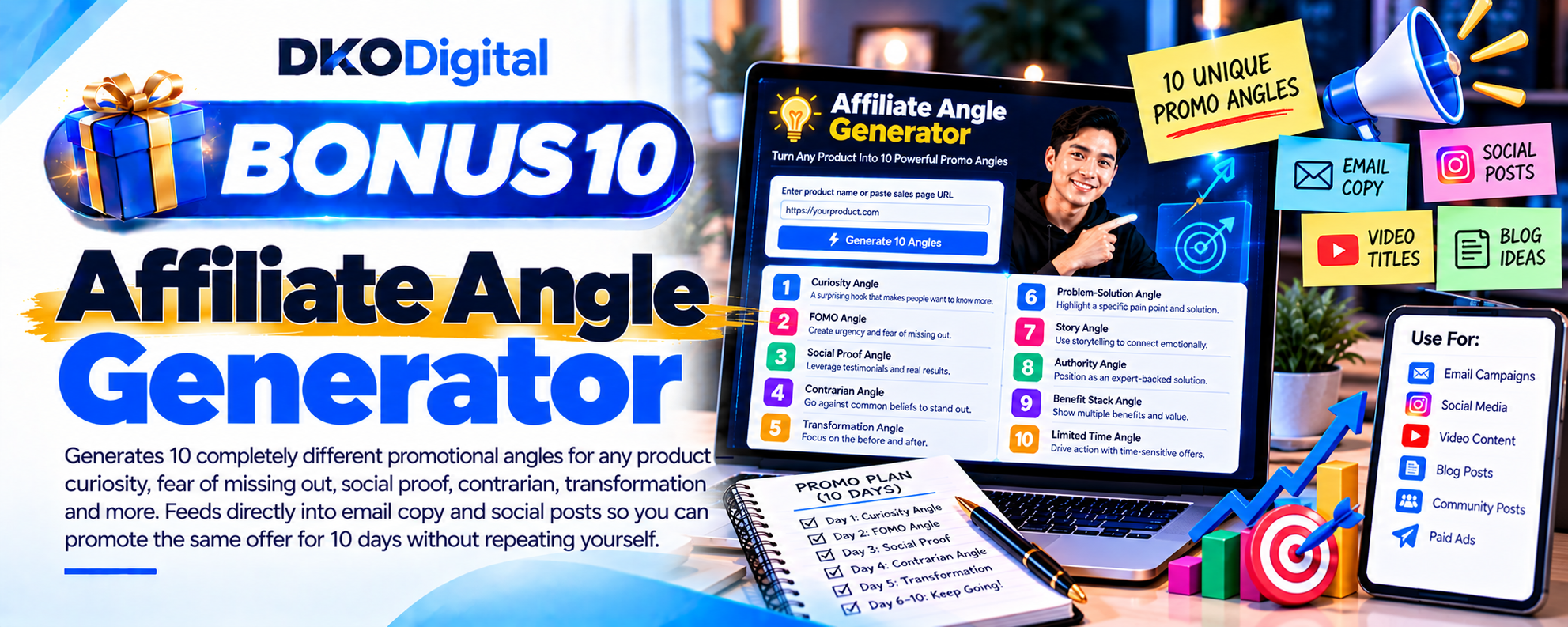
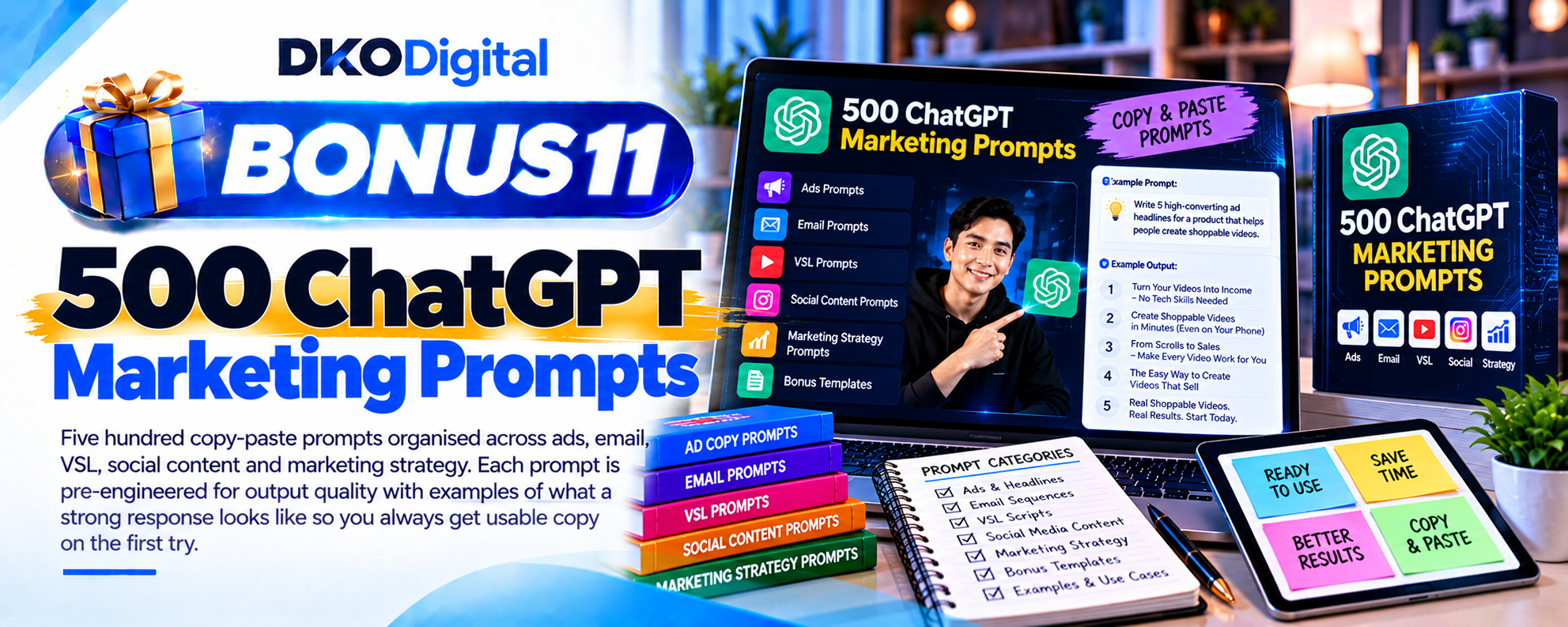
But that’s just the beginning – when you get ShopEmpire, you’ll unlock these exclusive bonuses:

How Does ShopEmpire Work?
My ShopEmpire workflow looked like this:
Step 1 – Create A Campaign
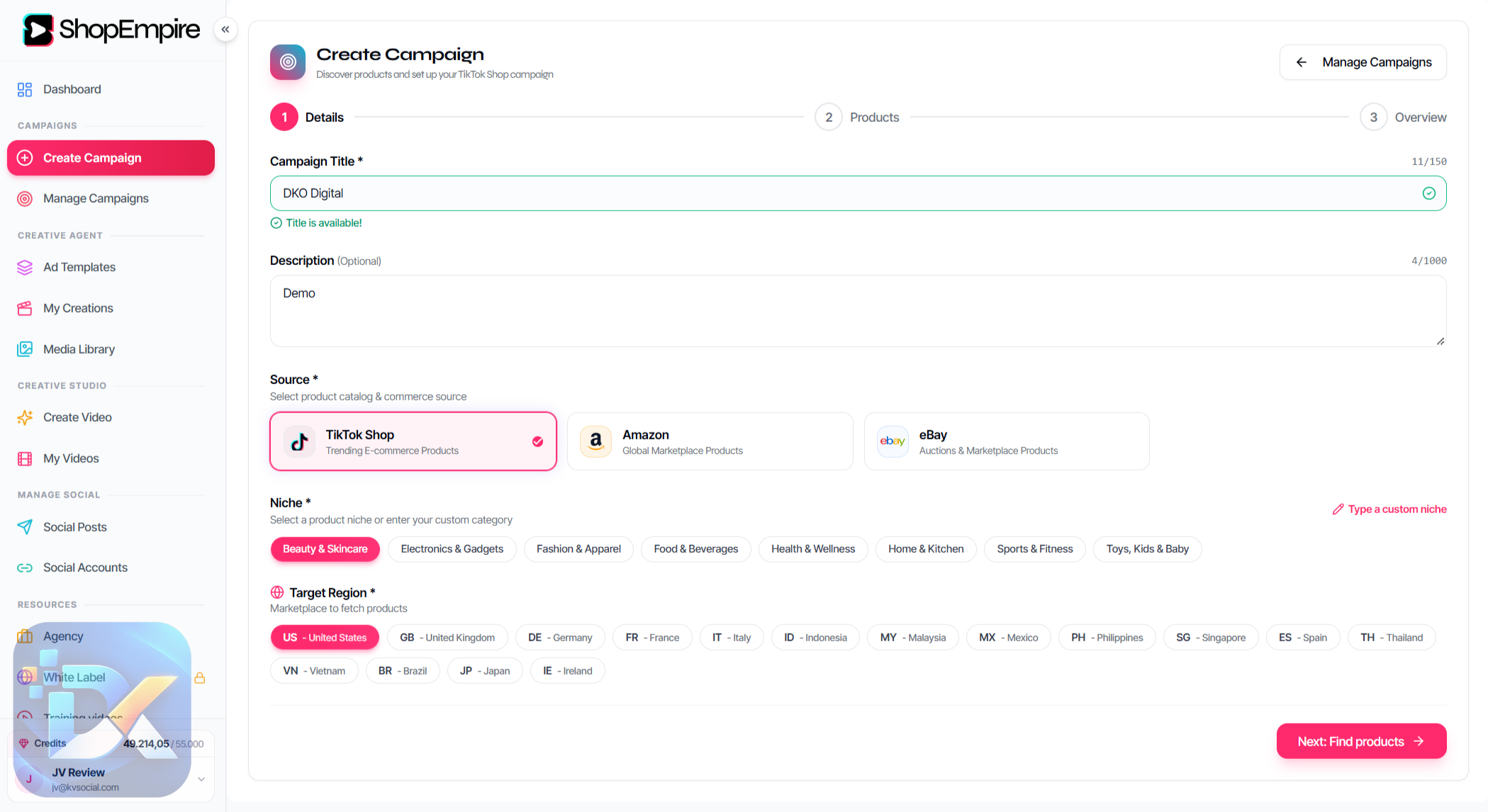
I started a new campaign and chose the product source.
ShopEmpire supports TikTok Shop, Amazon, and eBay.
Step 2 – Choose The Niche And Region
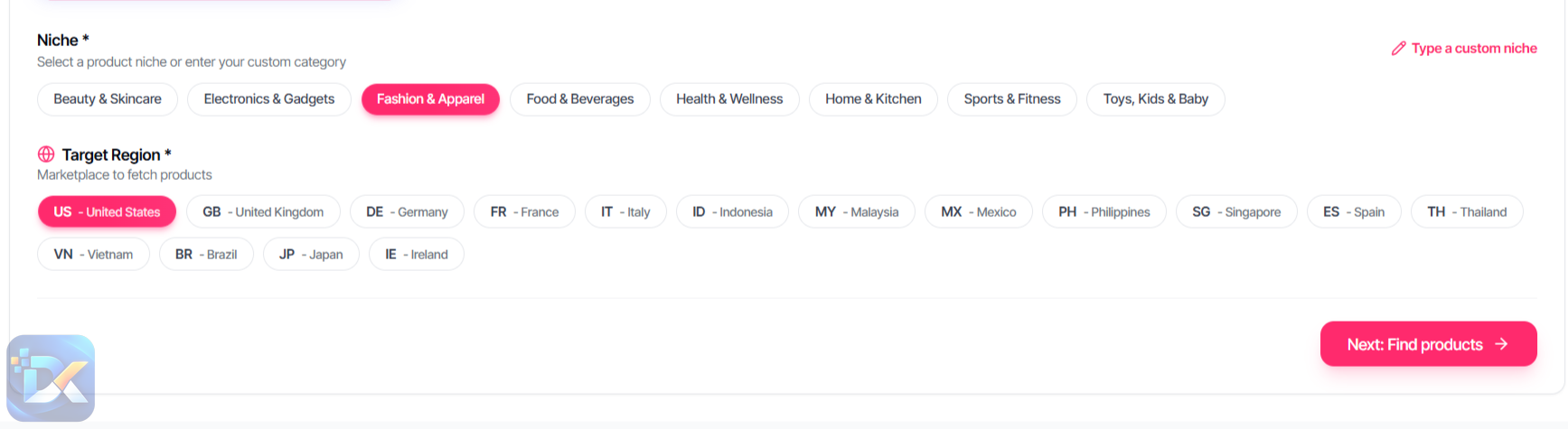
I selected fashion/apparel and chose the target market.
ShopEmpire then searched for relevant marketplace products.
Step 3 – Select The Product
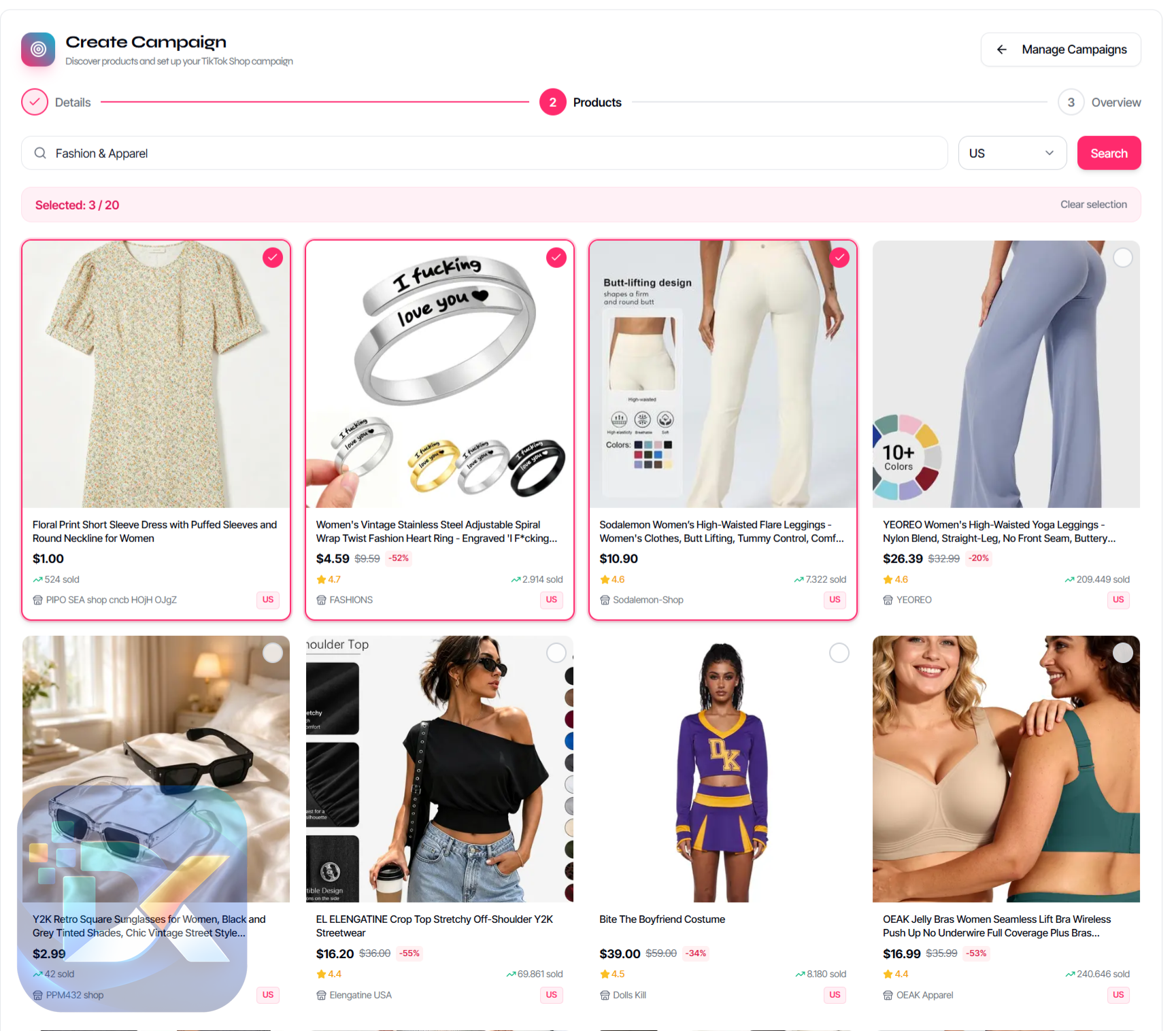
I picked the product I wanted to work with and opened the campaign overview.
Here I could see the selected item and its pricing information.
Step 4 – Add The Affiliate Link
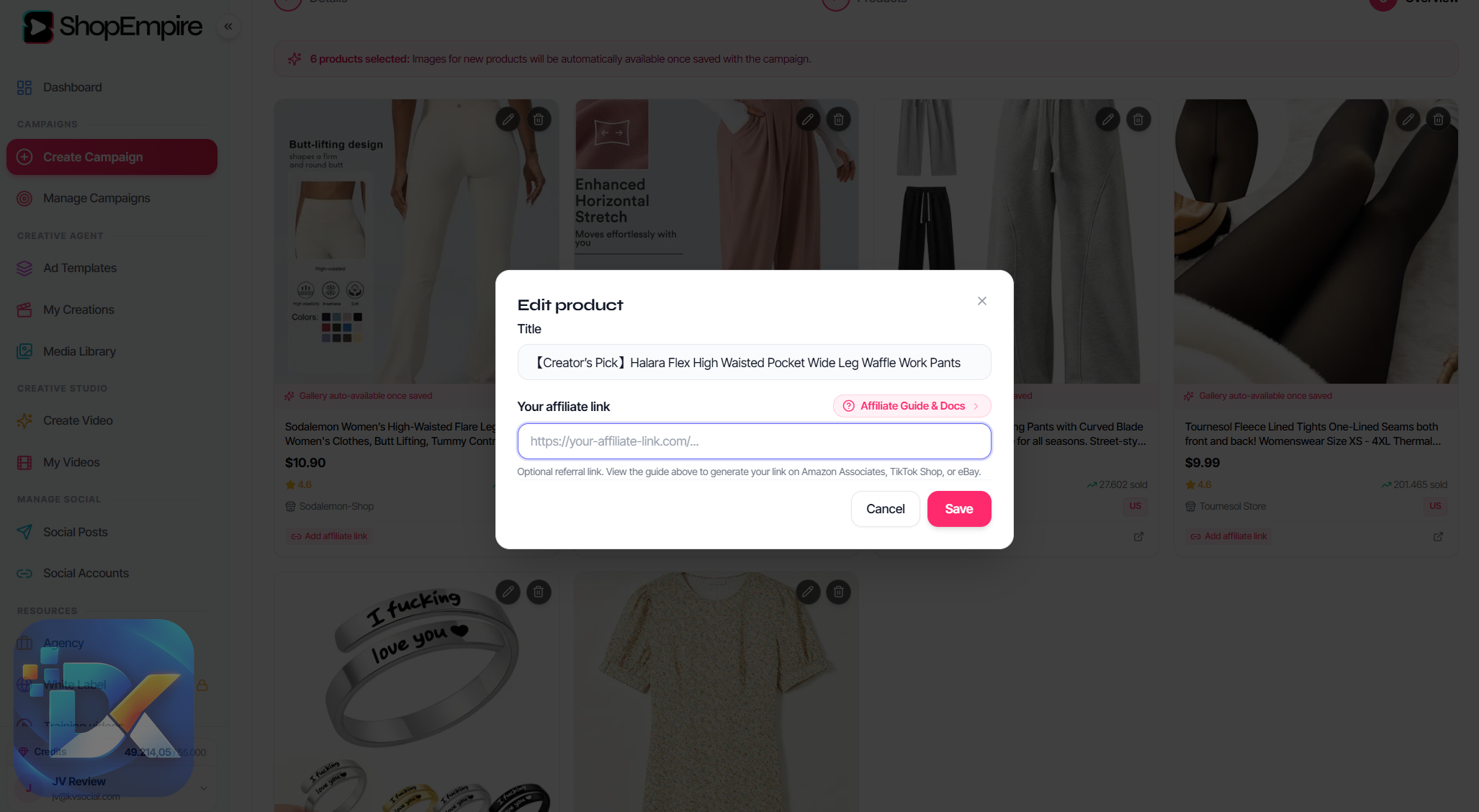
I edited the product and added the affiliate URL so the promotional campaign was connected to the link that could generate a commission.
Step 5 – Create The AI Video
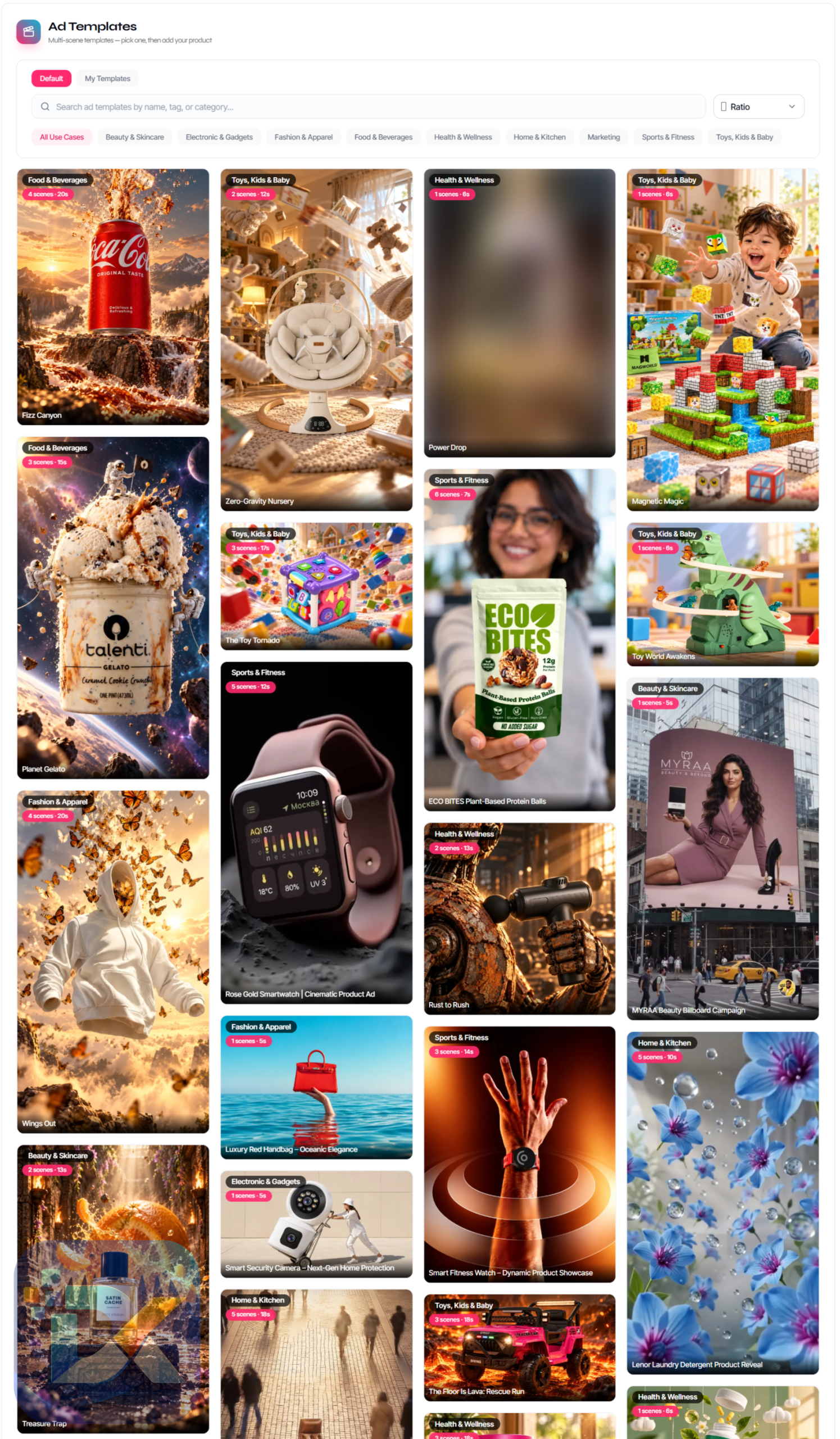
I clicked Create AI Video and browsed the available templates.
For this campaign, I stayed with a fashion-oriented template rather than choosing something visually unrelated to the product.
Step 6 – Review The Storyboard
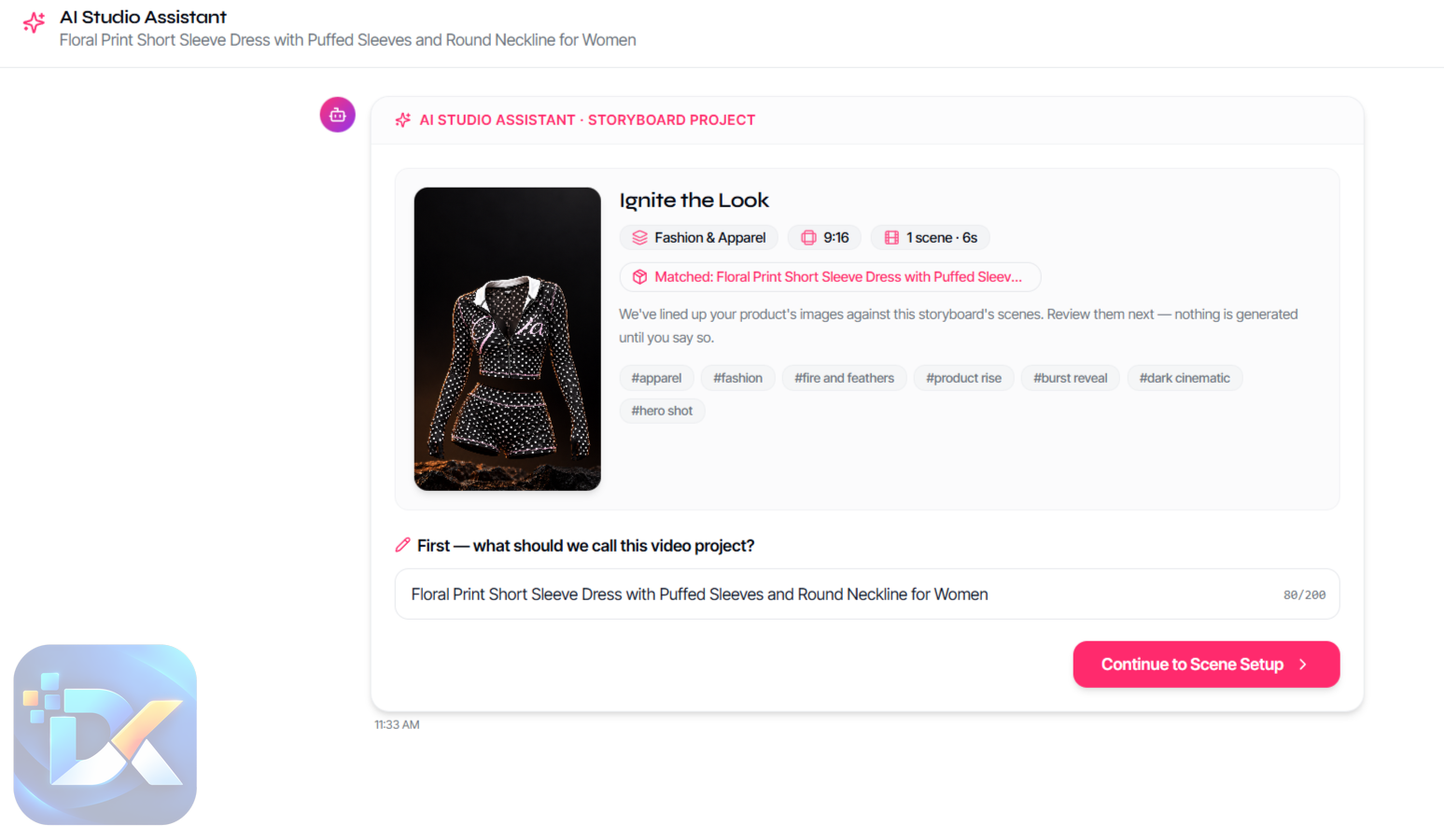
The AI Studio Assistant created the project plan.
I could see the two scenes, the images assigned to them, and the overall 10-second structure before completing generation.
Step 7 – Generate The Scenes
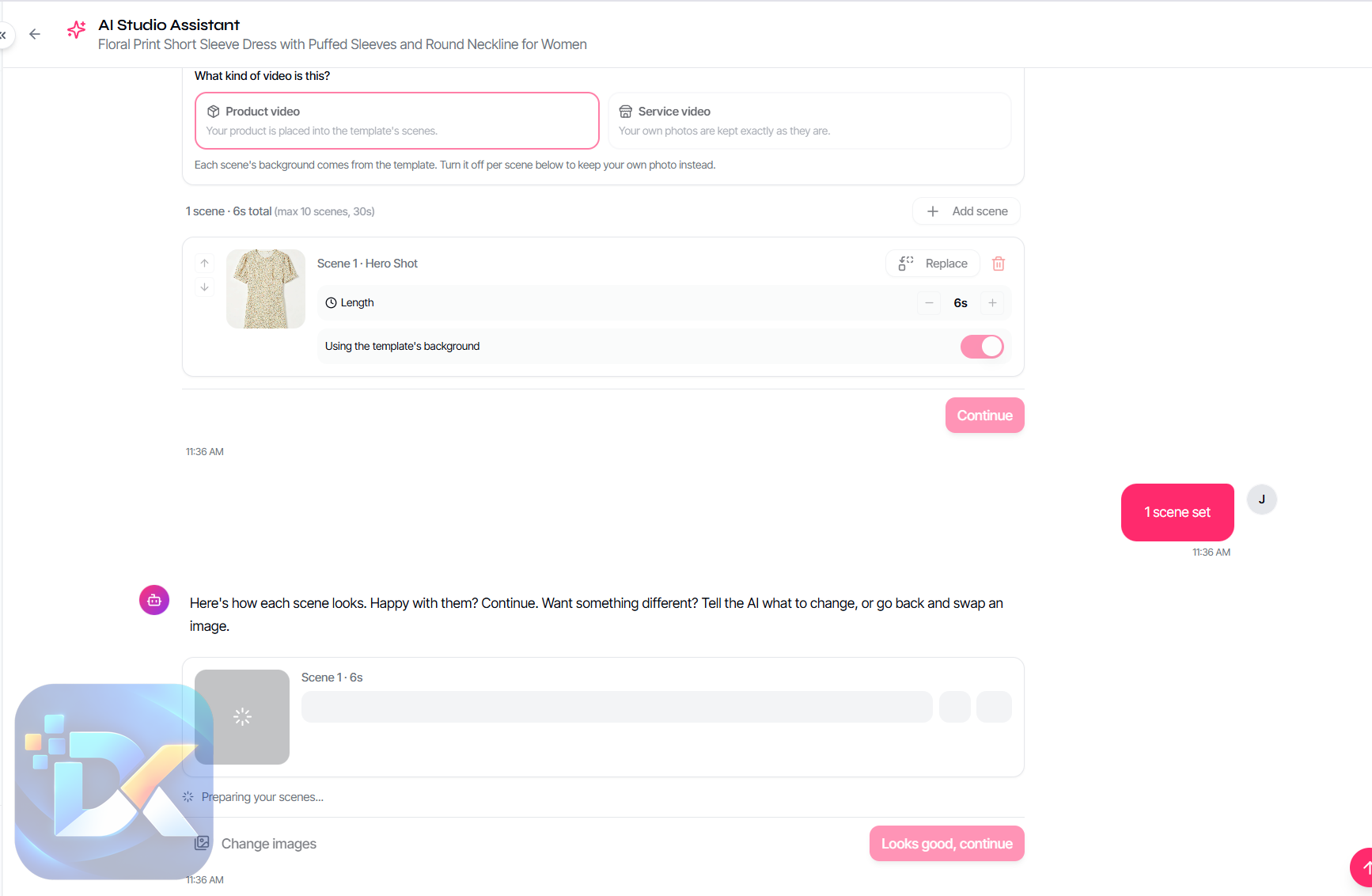
ShopEmpire created a custom video scene for each part of the storyboard.
I could still make changes before moving on.
Step 8 – Add Music
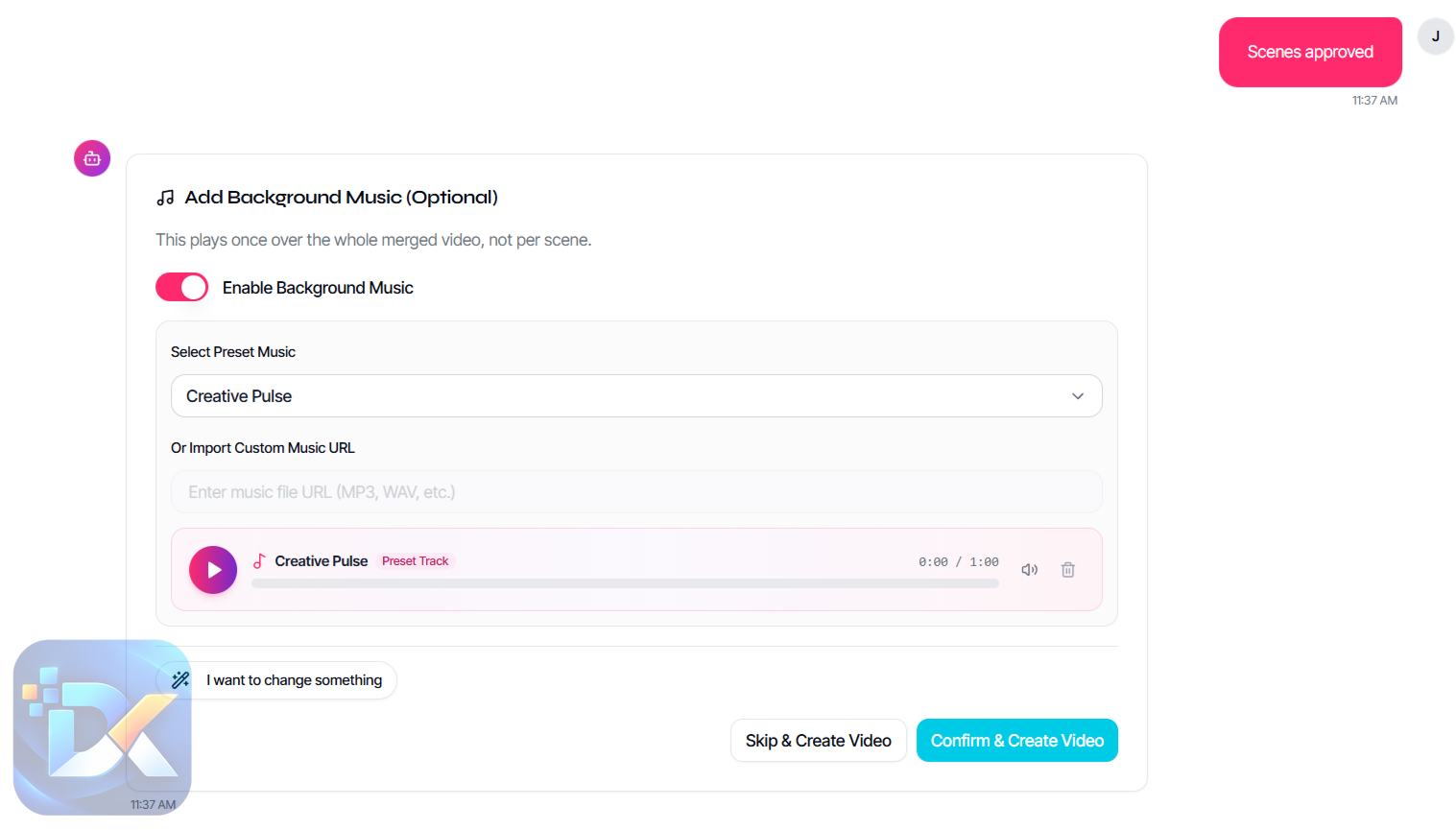
I selected background music from the available tracks. Custom music could also be imported.
Step 9 – Render
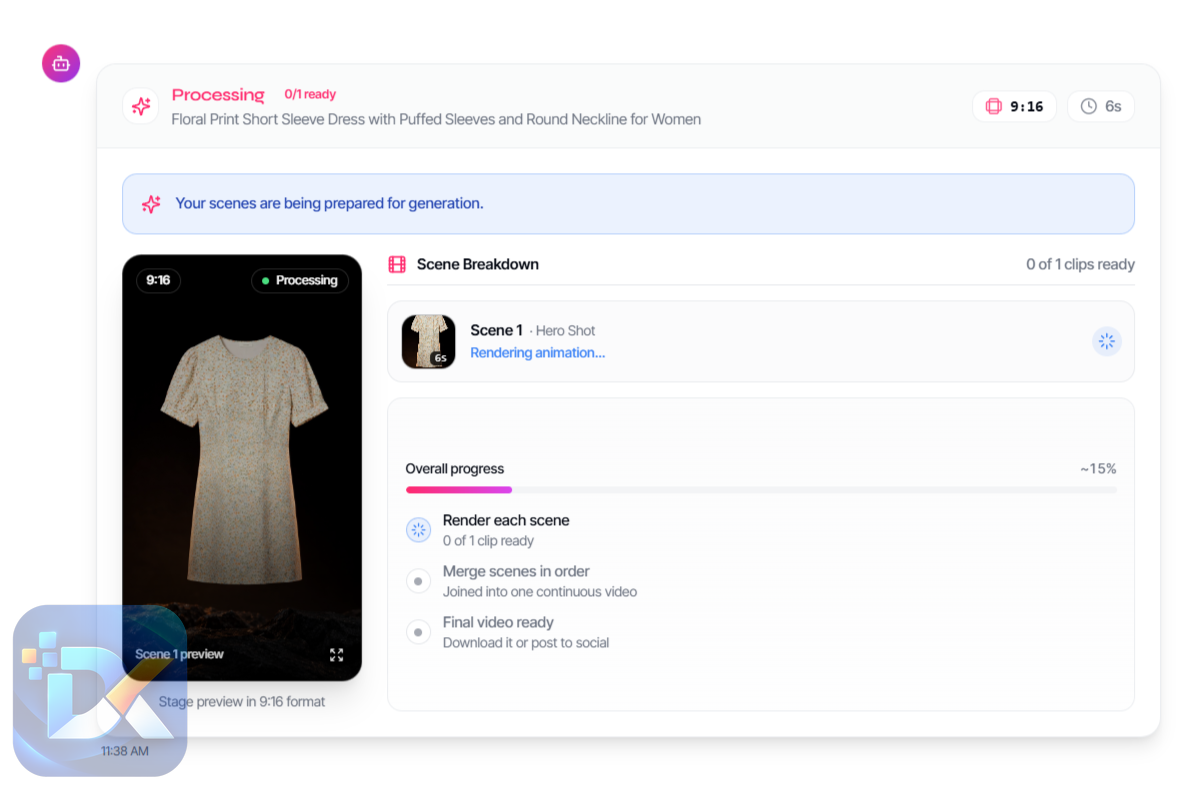
ShopEmpire stitched the scenes and music together and rendered the final branded video.
Step 10 – Publish
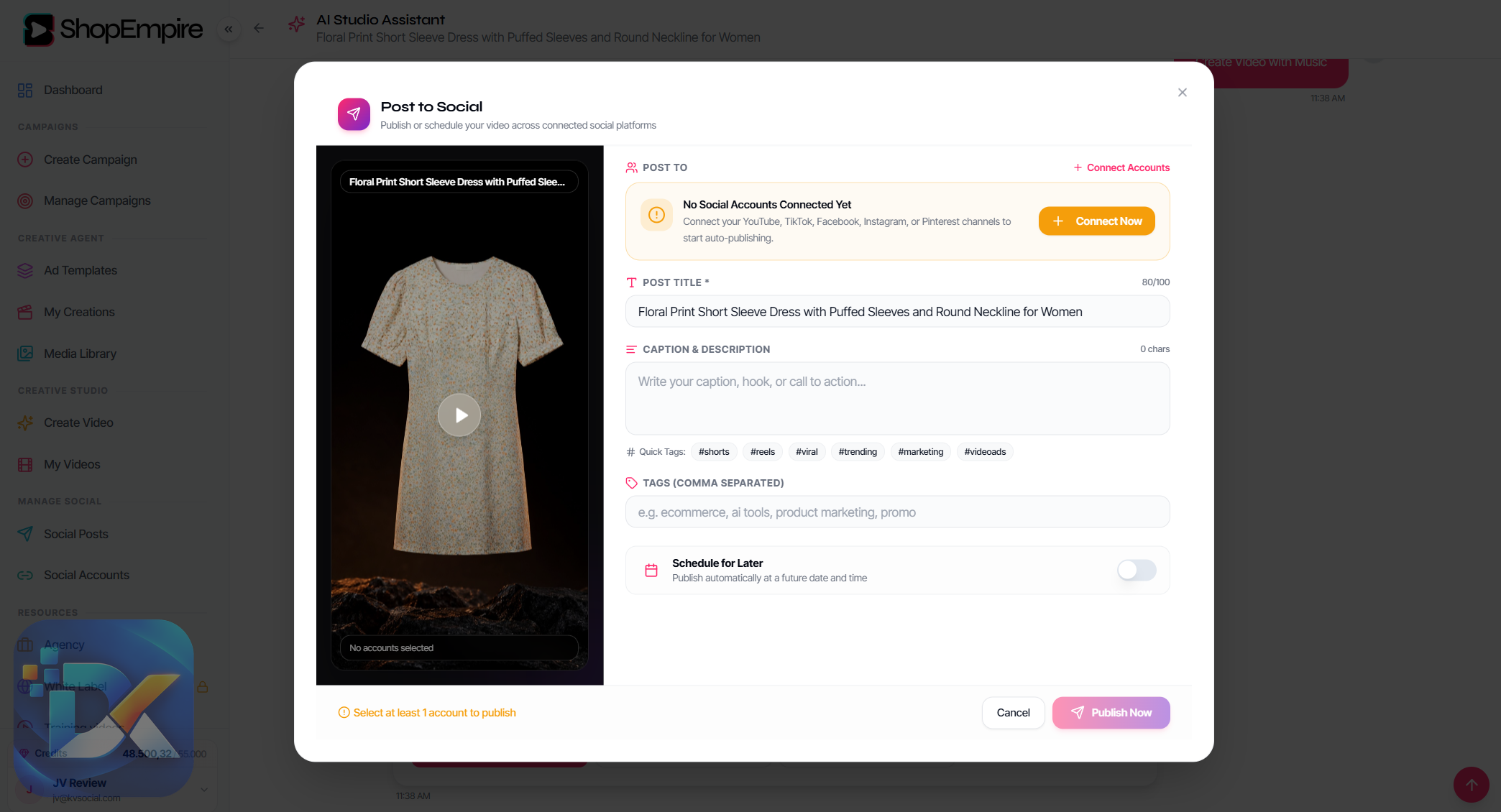
From the finished video, I could move into Post To Social, select connected social accounts, edit the title, captions, description, and tags, and publish.
There is also the option to queue multiple videos using the Auto Publisher instead of posting them individually.
The thing I noticed after going through all ten steps is that no individual feature feels unusually complicated.
The value comes from not having to break the workflow apart.
To explore the platform in more detail, don’t miss the demo video below:
User Experience
After using ShopEmpire, the part I appreciate most is not the AI itself.
It’s continuity.
I started with a marketplace product and ended with a rendered promotional asset that could move directly into social publishing.
Normally, several small interruptions appear between those two points.
Download this.
Copy that URL.
Open another editor.
Find the product image again.
Export the video.
Open another platform.
Upload.
Paste the caption.
ShopEmpire removes many of those handoffs.
The storyboard was particularly useful because it gave me a chance to inspect what was about to be generated before spending credits.
I wouldn’t skip that step.
When I create affiliate content, the first scene matters more to me than whether the AI effect looks clever. If the product isn’t obvious or the visual doesn’t make sense, I would change it before rendering.
The same applies after generation.
I would still inspect the finished video before posting. I would check the images, pacing, music, caption, affiliate link, and disclosure requirements.
So, does ShopEmpire eliminate the work?
No.
It eliminates a lot of the mechanical work.
And that is a much more believable benefit.
The strategy still comes from you.
Who Is The Audience For This?
The most obvious audience is affiliate marketers who want to create product videos without appearing on camera.
If filming yourself is the reason you’ve avoided TikTok, Reels, Shorts-style content, or other video-first promotion, ShopEmpire removes that particular obstacle.
It also makes sense for beginners who don’t want to learn a conventional video editor just to create short promotional clips.
Then there are faceless content creators who already understand social publishing but want a faster product-content workflow.
Ecommerce sellers can use the Start From Scratch option for their own products rather than relying exclusively on marketplace affiliate listings.
Finally, freelancers and small agencies can use the commercial license to create videos for businesses.
I would be less interested in ShopEmpire if I mainly produced long-form YouTube reviews or needed detailed timeline editing.
Its core strength is fast, short-form promotional content.
That focus is a strength if that’s what you need and a limitation if it isn’t.
Why Is It Worth Checking Out?
A lot of AI software saves time on one task while quietly creating another.
Generate a video here, then download it. Upload it somewhere else. Write the copy somewhere else. Store the affiliate URL somewhere else. Schedule it in another tool.
You end up with automation but still have a messy workflow.
ShopEmpire avoids quite a bit of that.
What I found useful was the sequence:
Find → Select → Monetize → Create → Review → Render → Publish.
The product stays connected to the campaign.
The affiliate link stays connected to the product.
The scenes stay connected to the video.
The finished video stays inside the media library.
And the publishing tools sit at the end of the same process.
This doesn’t mean every feature is essential.
For example, I wouldn’t buy ShopEmpire solely because it includes background music. That’s easy to find elsewhere.
I also wouldn’t buy it simply because it uses AI.
The reason I would consider it is workflow compression.
For someone trying to produce faceless affiliate videos regularly, fewer disconnected steps can matter more than having the most sophisticated editor on the market.
There is one thing I would watch carefully, though.
Credits.
The front-end gives you 10,000. That’s enough to properly try the system, but not enough to treat generation as unlimited.
If ShopEmpire becomes part of your daily publishing workflow, capacity eventually becomes the next decision.
The Price
The ShopEmpire front-end costs $37 as a one-time payment.
You receive:
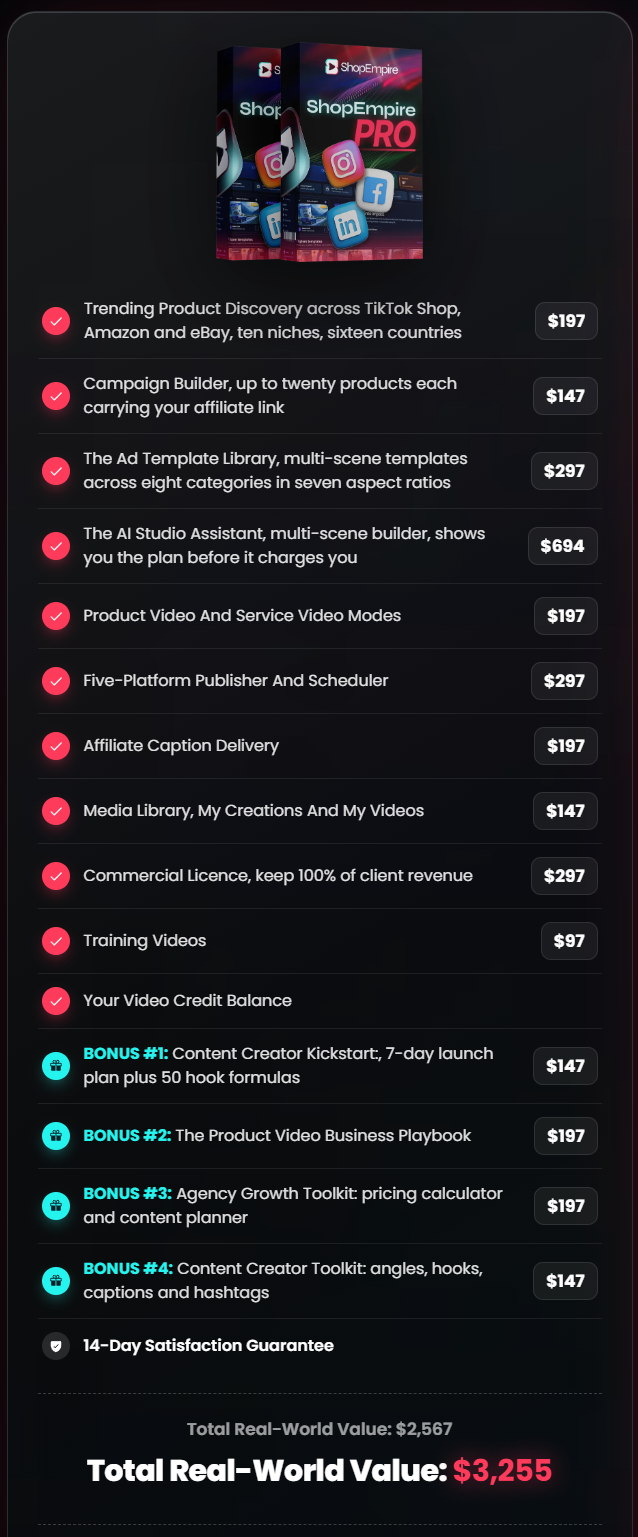
There is no stated monthly platform fee. Once generation credits are consumed, you can purchase additional capacity.
The 10,000-credit balance is estimated to produce roughly:
| Video Type | Approximate Output |
|---|---|
| 5-second / 1-clip product spotlight | ~19 videos |
| 10-second / 3-clip promotional video | ~7–8 videos |
Actual consumption depends on the video being created.
This is important because $37 does not mean unlimited AI video generation.
I still think the front-end provides enough credits to answer the question that matters first:
Do I actually like this workflow enough to keep using it?
ShopEmpire also comes with a 14-day money-back guarantee.

The OTO Details
ShopEmpire has four main optional upgrades plus a Complete Suite.
OTO 1: Credit Booster Pro – $97 >>More Details<<
Credit Booster Pro adds 20,000 additional credits.
It also includes:
- Bulk creation for up to 10 images
- Advanced multi-scene storytelling
- Automatic voice-over generation
- White-label output
- Member pricing on future credit top-ups
This is the upgrade I would look at when capacity becomes the problem.
Not before.
The front-end already lets you run the real workflow. I would use those included credits first and see whether ShopEmpire becomes something I genuinely want to use regularly.
If it does, more capacity makes sense.
OTO 2: DFY Niche Packs – $67 >>More Details<<
DFY Niche Packs is primarily a creative asset package.
It provides more than 50 campaign templates covering 10 niches, including fashion, beauty, fitness, food, gadgets, home, pets, health, education, and services.
You also get pre-written product-tag copy, overlay scripts, hook formulas, publishing schedules, and the Shoppable Video Script Kit.
I see this as a convenience upgrade.
If your bottleneck is constantly thinking about hooks, campaigns, scripts, and posting ideas, it could save setup time.
If you already know how to create those things, I wouldn’t consider it necessary.
OTO 3: Visionary Studio – $197 >>More Details<<
Visionary Studio is the advanced creative upgrade.
It includes:
- AI Consistent Brand Character
- AI Image-to-Video Engine
- AI Text-to-Video Creator
- AI Image Upscaler
- Background Remover
- AI In-Video Inpainting
This upgrade makes more sense if you want to go beyond straightforward affiliate product videos.
The consistent brand character could be useful for a virtual influencer strategy, while inpainting and background tools provide more creative control.
At $197, though, I would want a clear reason for needing those capabilities.
The front-end doesn’t suddenly become useless without Visionary Studio.
OTO 4: Agency Dashboard – $97 >>More Details<<
Agency Dashboard adds:
- 10 client brand workspaces
- Separate asset libraries
- White-label video output
- Client reporting
- Views, click-throughs, and engagement tracking
- Editable client proposal
- Agency quickstart training
- Suggested service-pricing material
This upgrade doesn’t provide another credit pool.
Its value is client organization.
Since commercial rights are already included in the front-end, I wouldn’t buy Agency Dashboard simply because I might sell videos someday.
I’d consider it when I actually had multiple client brands to manage.
NOTE:
The OTO links below are provided for your reference. Please make sure you purchase the Front-End (FE) version first before purchasing any optional upgrades.
The OTOs are designed to work as upgrades to the main ShopEmpire product, not as standalone purchases. Buying an OTO without owning the FE may leave you without access to the core software required to use those additional features.
For the safest approach, start with the FE first, make sure ShopEmpire fits your needs, and then consider adding only the OTOs that are useful for your workflow.
The ShopEmpire Complete Suite – $267
The Complete Suite combines the front-end with OTOs 1 through 4.
It includes 30,000 credits and is listed at $267, compared with a $495 combined component value.
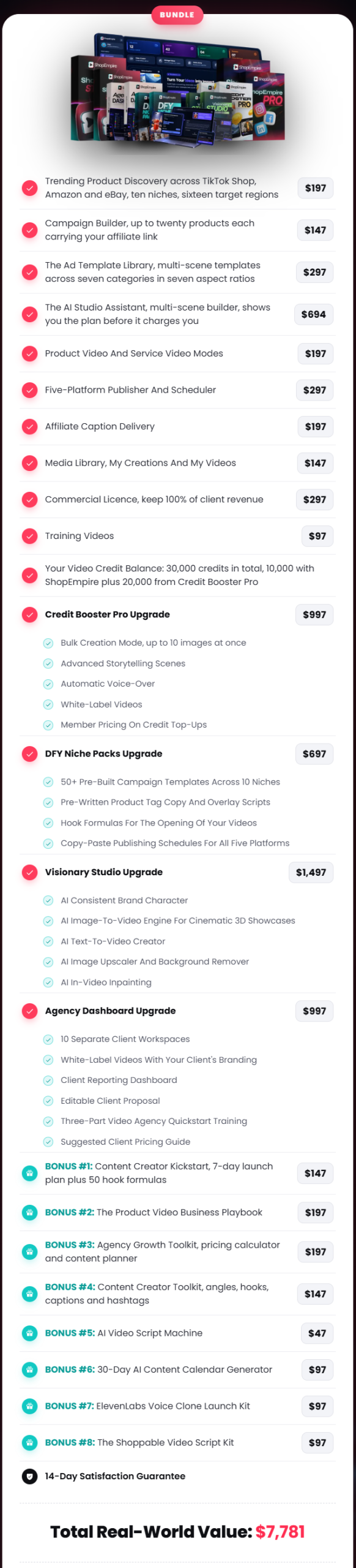
For an experienced marketer or agency user who already knows they want the advanced tools, the bundle may be easier to justify.
For a beginner, I prefer a simpler buying strategy:
Start with the front-end. Use it. Find the limitation. Upgrade because of that limitation.
Not because an upgrade exists.

Pros & Cons
Pros
- Product discovery and video creation are connected.
- Searches products from TikTok Shop, Amazon, and eBay.
- Keeps affiliate links attached to individual products.
- Built specifically around faceless product promotion.
- No camera or personal appearance required.
- Templates reduce the need to build videos from a blank canvas.
- Storyboard review gives you control before generation.
- Supports multiple scenes and aspect ratios.
- Music can be added inside the workflow.
- Finished content can be published to five social platforms.
- Auto Publisher supports scheduled content.
- Start From Scratch mode works for your own products.
- Media assets stay organized inside the platform.
- Commercial license is included with the front-end.
- No stated recurring platform subscription.
- 10,000 included credits give you room to properly test the system.
Cons
- 10,000 credits are not unlimited.
- Depending on complexity, the included balance may cover roughly 7–19 finished videos.
- Heavy users will eventually need additional generation capacity.
- You still need your own approved affiliate accounts.
- You must supply the appropriate affiliate links.
- Product discovery doesn’t guarantee that a product will convert.
- AI output still needs human review before publishing.
- The core product focuses on short promotional videos rather than long-form content.
- More advanced AI creative capabilities require paid upgrades.
- Good content distribution still requires consistency and sensible product selection.
Is ShopEmpire Legit?
After going through the workflow, I can see a functioning process behind ShopEmpire rather than just a collection of marketing claims.
I could move from product discovery into campaign setup, attach the affiliate link, choose a template, work through the storyboard, generate the scenes, add music, render the finished video, and move into social publishing.
That answers the software side of the question for me.
The income side needs a different answer.
ShopEmpire does not control whether someone buys the product you’re promoting.
Your results will still depend on things like:
- The product you select
- Affiliate commission structure
- Audience
- Content quality
- Posting frequency
- Platform reach
- Competition
- Conversion rate
The product’s own FAQ makes the same distinction: the tool removes barriers around product-video creation, while earnings depend on product selection, consistency, and market conditions.
That is how I would judge ShopEmpire.
Not as an income button.
As a production and publishing tool.
Frequently Asked Questions
Do I have to appear on camera?
No. ShopEmpire is designed around faceless product video. The product itself appears in the promotional content rather than requiring you to record yourself.
Do I need to own the product?
No. The affiliate workflow can use seller product photography rather than requiring you to purchase and film the item yourself.
Which marketplaces does ShopEmpire support?
Product discovery supports TikTok Shop, Amazon, and eBay.
Which social networks can I publish to?
ShopEmpire supports TikTok, YouTube, Facebook, Instagram, and Pinterest.
Can I schedule videos?
Yes. The Auto Publisher can queue multiple finished videos on a timeline for future publishing.
Does ShopEmpire have a monthly fee?
The front-end is sold as a one-time payment. Video generation uses credits, and additional credits can be purchased when needed.
How many videos can 10,000 credits create?
The published estimate is approximately 19 five-second single-clip videos or around 7–8 ten-second, three-clip videos, depending on complexity.
Can I use ShopEmpire for client work?
Yes. Commercial rights are included in the front-end.
Do I need the Agency Dashboard to sell videos to clients?
No. The commercial license is already included. Agency Dashboard mainly adds client workspaces, reporting, white-label features, and agency-management resources.
Can I create videos for my own products?
Yes. Start From Scratch allows you to enter your own product description, script, images, language, aspect ratio, and duration before opening the editor and rendering the video.
Is ShopEmpire unlimited?
No. The front-end is limited primarily by its 10,000 included video credits.
Is the front-end enough to start?
In my view, yes.
It contains the core workflow I would want to test: product discovery, campaigns, affiliate links, templates, video generation, rendering, social publishing, scheduling, and commercial rights.
The first limitation you’re likely to feel with regular use is the credit balance.
Final Verdict
After using ShopEmpire, I think its best feature is easy to overlook.
It isn’t the AI animation.
It isn’t the music.
It isn’t even the marketplace search.
It’s the fact that those pieces are connected.
I could find a product, place it inside a campaign, attach the affiliate link, choose a template, review the storyboard, generate the video, add music, render it, and move into social publishing without rebuilding the project somewhere else.
That is what changes the workflow.
There are still things I wouldn’t hand over to the software.
I would choose the product myself.
I would inspect every generated scene.
I would check the affiliate URL.
I would edit weak captions.
I would make sure disclosures are handled correctly.
And I would never assume that publishing more videos automatically means making more commissions.
The biggest practical limitation is the 10,000-credit balance. If you’re creating videos every day, you can eventually run through it. That makes Credit Booster Pro relevant for higher-volume users, but I wouldn’t buy it on day one.
For most people, I would start with the $37 front-end.
Use the included credits.
Build several real campaigns.
Try different products.
Publish the videos.
See whether ShopEmpire actually saves enough time in your workflow to justify putting more money into it.
If credits become the bottleneck, consider OTO 1.
If creative control becomes the bottleneck, look at Visionary Studio.
If client organization becomes the bottleneck, then Agency Dashboard starts making sense.
That is how I would approach the funnel.
ShopEmpire isn’t a replacement for affiliate strategy, and it certainly isn’t a guarantee of commissions. What it does well is remove much of the repetitive production work sitting between I found a product I want to promote and the promotional video is ready to go live.
For faceless affiliate marketers, ecommerce sellers, and marketers who want to produce short product videos without cameras or traditional editing, that is a useful problem to solve.
ShopEmpire is an AI-powered faceless product video platform that helps affiliate marketers discover products from TikTok Shop, Amazon, and eBay, turn product images into promotional videos, attach affiliate links, and publish or schedule content across TikTok, YouTube, Facebook, Instagram, and Pinterest—all without appearing on camera.
Product Brand:
Neil Napier & Kamal Jalwania
Product Currency:
USD
Product Price:
37
Product In-Stock:
InStock ShopEmpire Review: My Hands-On Look At The Full Workflow

4.3



***3 STEPS TO CLAIM THIS BONUSES***
Step 1: Purchase ShopEmpire through my ShopEmpire Review page
Step 2: Complete your order successfully using my affiliate link.
Step 3: That’s it! Your exclusive bonuses will be automatically delivered to you after your purchase is successfully completed.
No need to send your receipt or contact support. Simply complete your order and get instant access to your bonuses.